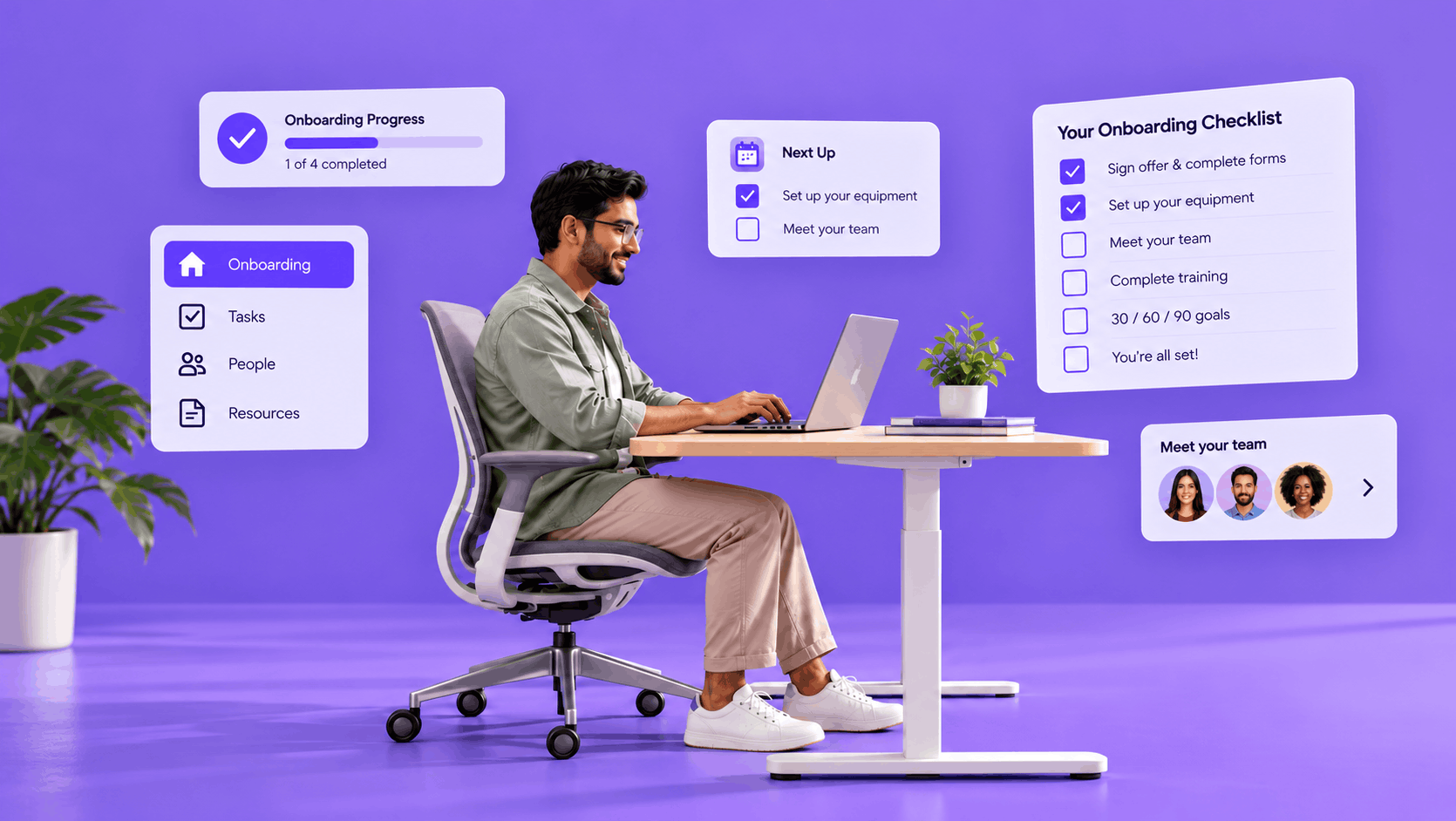
Remote onboarding fails differently from office onboarding: quietly. Nobody notices a new hire still waiting for a laptop, or hesitating to ask a question, because nobody is within earshot. Gallup finds that only 12% of employees strongly agree their organization does a great job of onboarding, and research on fully remote onboarding finds a significant share of new hires describe the experience as poor.
This playbook sets out remote onboarding best practices in the order a new hire experiences them: before day one, the first week, the first 90 days, and the cross-border paperwork that generic advice skips. A complete remote onboarding checklist sits in the middle, so you can run the whole process from one page.
Why remote onboarding fails differently
In an office, much of onboarding is accidental: overheard answers, a neighbor who explains the process, a manager who spots confusion at lunch. Remote work removes all of it, so everything that used to happen by accident has to be designed on purpose. The stakes are real. Gallup found that employees who rate their onboarding as exceptional are 2.6 times more likely to be extremely satisfied with their workplace.
The usual failure is mundane, not dramatic. Research compiled by strongDM found that 43% of new hires waited more than a week for basic workstation logistics and tools to be in place. Virtual onboarding rarely breaks at the welcome call; it breaks at the laptop, the login, and the unanswered question. Most remote onboarding best practices are therefore about removing blockers early, not adding more activity.
Also read: 5 challenges of recruiting and onboarding remote workers
Before day one: preboarding that removes blockers
Preboarding is the gap between offer acceptance and the first day, and it is where remote onboarding best practices pay back fastest, because every blocker cleared here is a day-one frustration avoided.
- Ship equipment early and confirm delivery: Assuming it arrived is the most common cause of a missed start.
- Provision access before the start date: Email, chat, and role-specific tools should work on the first login.
- Collect documents once, digitally: Use e-signature for the contract and a secure upload for identity and tax documents.
- Send the first-week schedule in advance: With every time shown in the new hire’s own time zone.
- Introduce the manager and buddy early: So the first live conversation is not with a stranger.
Preboarding also protects against a quieter risk: the weeks between acceptance and start, when a new hire has said yes but has not yet committed in practice. A short note from the manager and a clear schedule keep that commitment warm.
Day one and week one: structure without surveillance
Remote onboarding best practices for week one favor structure over intensity. The first day should do three things: get the new hire working, introduce a few people, and set one clear goal. In virtual onboarding, open with a live video welcome from the manager rather than a link to read.
- Assign a buddy who is not the manager, and schedule their first two conversations.
- Hold short daily check-ins in week one, then taper to a regular one-to-one.
- Agree on overlap hours, the few hours when the team is reliably online together.
- Give a small, real first win by the end of the week: a task that is genuinely useful and completable.
Structure is not the same as monitoring. Tracking screens or keystrokes tells a new hire they are not trusted, and it teaches them nothing about the job.
Days 30, 60, and 90: where remote hires drift
Remote onboarding best practices rarely fail in week one; they fail in week six. After week one, structure tends to evaporate, and a remote hire can drift for weeks before anyone notices. Put the milestones in the calendar before the person starts.
- Day 30: a check-in on role clarity, tooling, and the first round of feedback.
- Day 60: an independent deliverable, plus conversations with people outside the immediate team.
- Day 90: a formal conversation on goals and development, plus a direct review of what to change about onboarding itself.
Social integration needs the same deliberate design. Pair each new hire with two cross-team conversations in the first 60 days instead of relying on a team call to do the work.
Read more: The employee onboarding process, step by step
The cross-border layer most guides skip
If your new hire works in a country where you have no legal entity, the first question is who employs them: a local entity, an Employer of Record, or, in a small number of cases, a contractor relationship that is genuinely one. Payroll, tax, and social security obligations attach to where the work is done, so the registrations differ by country.
- India: PF registration through the employee’s UAN, ESI enrollment where wages fall under the ESI ceiling, and state professional tax where it applies.
- Malaysia: EPF, SOCSO, and EIS registration, with tax deducted through PCB, and foreign workers have been mandatory EPF contributors since October 2025 wages.
- Philippines: SSS, PhilHealth, and Pag-IBIG membership numbers, plus a BIR TIN, before contributions can be remitted correctly.
- Indonesia: BPJS Ketenagakerjaan and BPJS Kesehatan enrollment, plus tax registration for PPh 21.
Remote onboarding best practices have to include these registrations, and they belong in preboarding, not after the start date. Align the start date with the payroll cut-off as well, so the first cycle is neither missed nor prorated by accident.
Treat the identity documents you collect as sensitive data: collect only what the role and country require, store them in the HR system rather than in email attachments, and set a retention period. The first payslip is also the first real test of onboarding, because late registrations mean wrong pay.
Common mistakes that undermine remote onboarding best practices
- Treating day one as the whole of onboarding: The welcome call is the easy part, and the next 89 days are where hires are won or lost.
- Overloading day one: A calendar full of introductions leaves no room to actually start work.
- Skipping everything before the start date: Late equipment and missing access turn the first morning into troubleshooting.
- Scheduling around the wrong holidays: A start date or milestone that lands on the new hire’s local public holiday signals that nobody checked.
- Leaving the manager out: Virtual onboarding run entirely by HR leaves the person who shapes the job in the background.
The remote onboarding checklist
Use this remote onboarding checklist as the working version of everything above.
- Offer accepted: confirm the employing entity or EOR, start the contract and e-signature, and begin statutory registrations.
- Two weeks before: ship equipment, provision accounts, and send the first-week schedule in the new hire’s time zone.
- One week before: confirm delivery and access, introduce the manager and buddy, and share the team’s working agreements.
- Day one: live video welcome, working login, one clear goal, and the first buddy conversation booked.
- Week one: daily short check-ins, a first win delivered, and overlap hours agreed.
- Day 30, 60, and 90: milestone conversations held and recorded, plus a feedback question about onboarding itself.
- First payroll cycle: payslip checked for correct deductions and registrations.
How to measure remote onboarding
Remote onboarding best practices only stick when they are measured. These six signals work without a heavy reporting setup.
- Time to first productive task: the days from start to a first independent deliverable.
- Ready-on-day-one rate: the share of hires whose equipment and access were working at the start.
- Milestone completion: the share of 30-, 60-, and 90-day conversations that actually happened.
- 90-day retention: the share of new hires still in the role after three months.
- New-hire sentiment: a short survey at days 30, 60, and 90.
- Time to first correct payslip: whether registrations and deductions were right the first time.
What is worth automating
Not every one of the remote onboarding best practices above should be automated, but the repetitive hand-offs should be. Consider what happens when HR marks an offer as accepted: the system creates tasks for IT (equipment and accounts), the manager (welcome and schedule), the buddy (introduction), and payroll (registrations), each with a due date counted back from the start date. The list is short: document collection and e-signature, access requests triggered by the HR record, reminders to HR, IT, and the manager, and check-in prompts at 30, 60, and 90 days. Do not automate the welcome, the buddy conversation, or the first piece of feedback. Those are the parts new hires remember.
Akrivia HCM’s recruitment management system keeps digital onboarding in the same platform as the candidate record, core HR, and payroll, so data collected once does not have to be re-entered downstream.
Explore: Core HR functions and employee management
Conclusion
Remote onboarding best practices come down to one idea: design on purpose what the office used to do by accident. Start with preboarding, give the first week structure without surveillance, keep the 30, 60, and 90 day milestones in the calendar, and treat each country’s registrations as part of onboarding rather than an afterthought.
Use the remote onboarding checklist above with your next hire, and explore how Akrivia HCM brings recruitment, Core HR, and payroll together in one system. Book a free demo today to see it in action.
FAQs
When should equipment be shipped to remote hires?
Ship as soon as the offer is accepted and the start date is confirmed, and verify delivery before the first day. International routes need extra buffer for customs and courier delays.
Can contractors be onboarded the same way?
Not quite. Contractors need a service agreement and tool access, but no payroll registrations or employee policies, and treating an employee as a contractor can create tax and social security liability.
What should a remote buddy actually do?
A buddy answers the small questions a new hire would ask a neighbor in an office and checks in on a fixed schedule for the first month. They are a peer, not the manager, so questions feel safe to ask.