
desc-Giving Every Employee an HRMS in Their Own Language, Across Nine Regions
category: Multilingual Workforce, India, SEA
Introduction
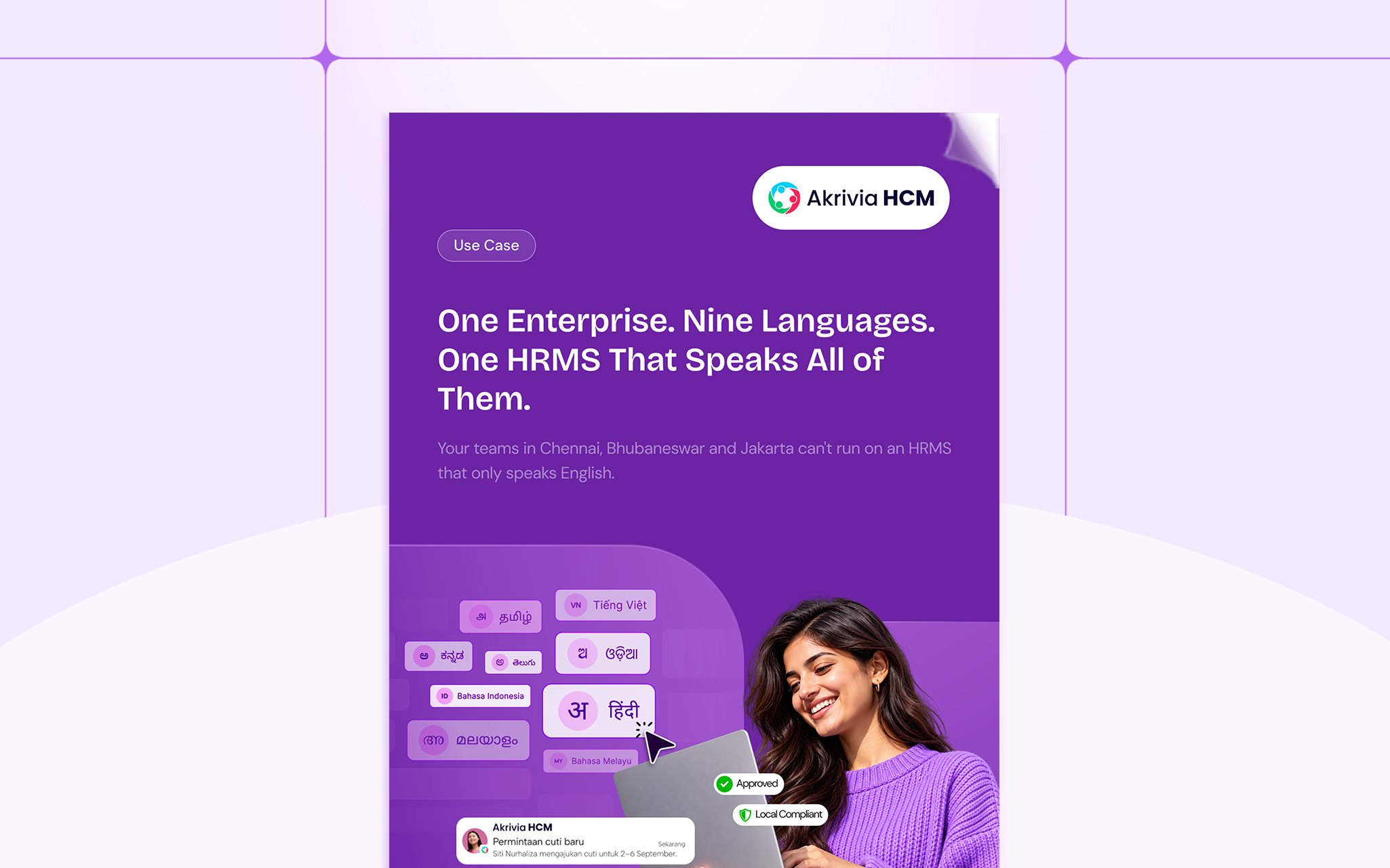
Enterprises across India and Southeast Asia rarely run on a single language. A group with plants in Tamil Nadu and Karnataka, logistics in Kerala, retail in Telangana, and operations in Indonesia, Malaysia and Vietnam is managing nine language communities at once. Most HRMS platforms offer English and a few global languages, so regional teams fall back on manual translations, WhatsApp groups, and supervisors who explain the system in person.
The gaps show up quickly. Frontline employees avoid self-service and raise HR tickets instead. Policy updates reach regional teams as noise. Statutory letters and notices are recreated by hand outside the system, which creates version control risks during audits. New hires in non-English plants need a walkthrough every time.
Akrivia HCM now supports nine languages in addition to English: Hindi, Telugu, Tamil, Malayalam, Kannada and Odia, plus Bahasa Indonesia, Malay and Vietnamese. Menus, notifications, approval workflows, self-service modules and payslips are localized out of the box. Policy documents and letter templates are set up once per language, then generated automatically in each employee’s language with a full audit trail.
The result is a single platform where employees work in the language they think in, HR publishes once instead of nine times, and compliance documents stay inside the HRMS.
FAQs
Q: Which languages does Akrivia HCM support?
A: Hindi, Telugu, Tamil, Malayalam, Kannada, Odia, Bahasa Indonesia, Malay and Vietnamese, in addition to English.
Q:Is this full localization or only translated labels?
A:Every language is a full platform experience. Menus, notifications, approval workflows, self-service modules, and payslips are localized out of the box.
Q: How are policy documents and letters handled in each language?
A: Templates are set up once per language and reviewed by your team. After that, every document is generated automatically in the employee’s language, with an audit trail inside the HRMS.
Q: How is a new region added?
A:The language is activated in platform settings, with no separate localization project.